Prepare the fields
Complete this step in the ClickSyncr interface and save the configuration.
MailerLite integration
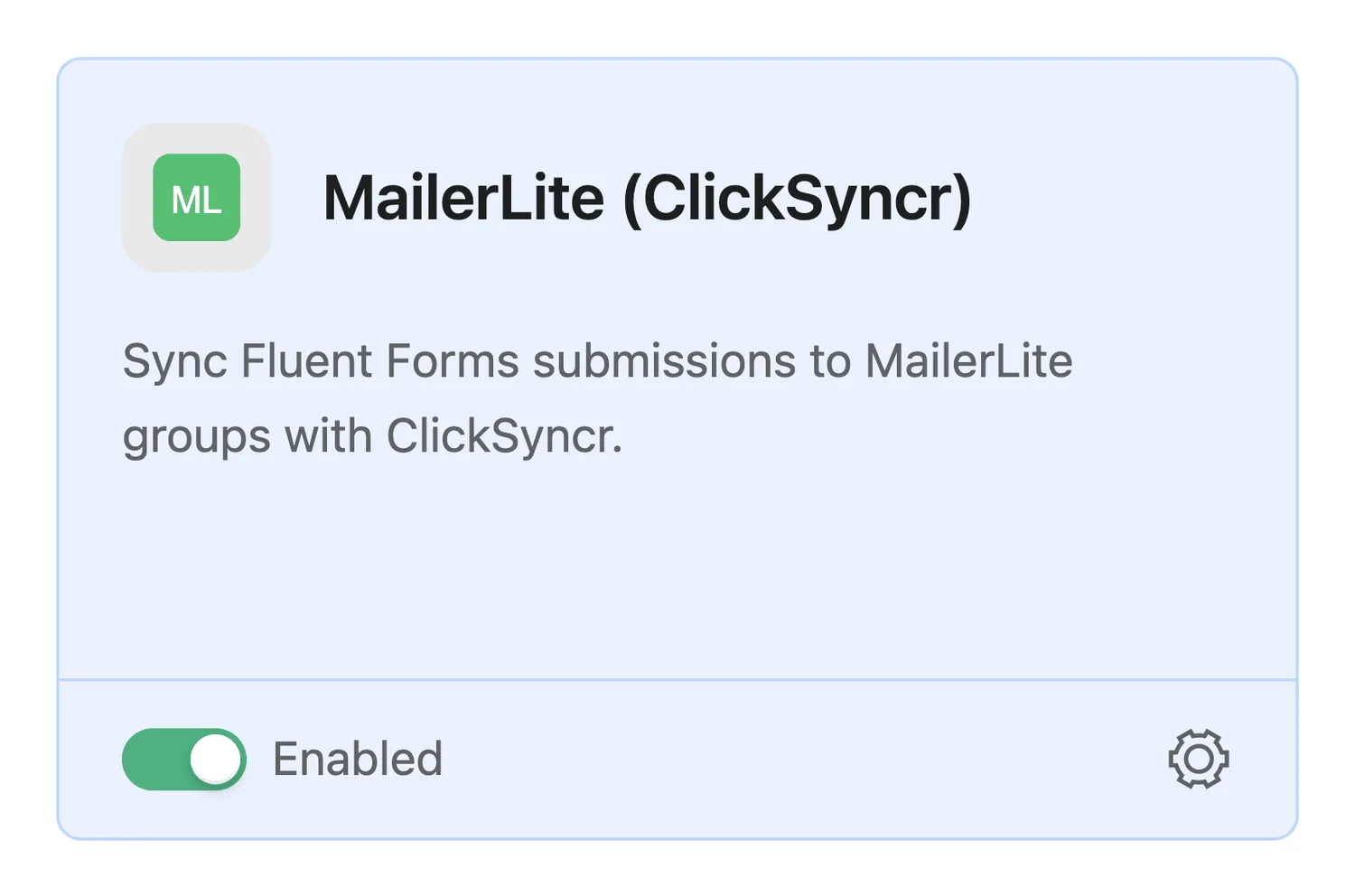
Connect Fluent Forms to MailerLite through a native Fluent Forms integration feed. The free ClickSyncr for MailerLite plugin registers a MailerLite module in Fluent Forms: enable it, save…
A clear setup path
Keep the existing form and configure the destination beside the workflow you already use.
Complete this step in the ClickSyncr interface and save the configuration.
Complete this step in the ClickSyncr interface and save the configuration.
Complete this step in the ClickSyncr interface and save the configuration.
Complete this step in the ClickSyncr interface and save the configuration.
Complete this step in the ClickSyncr interface and save the configuration.
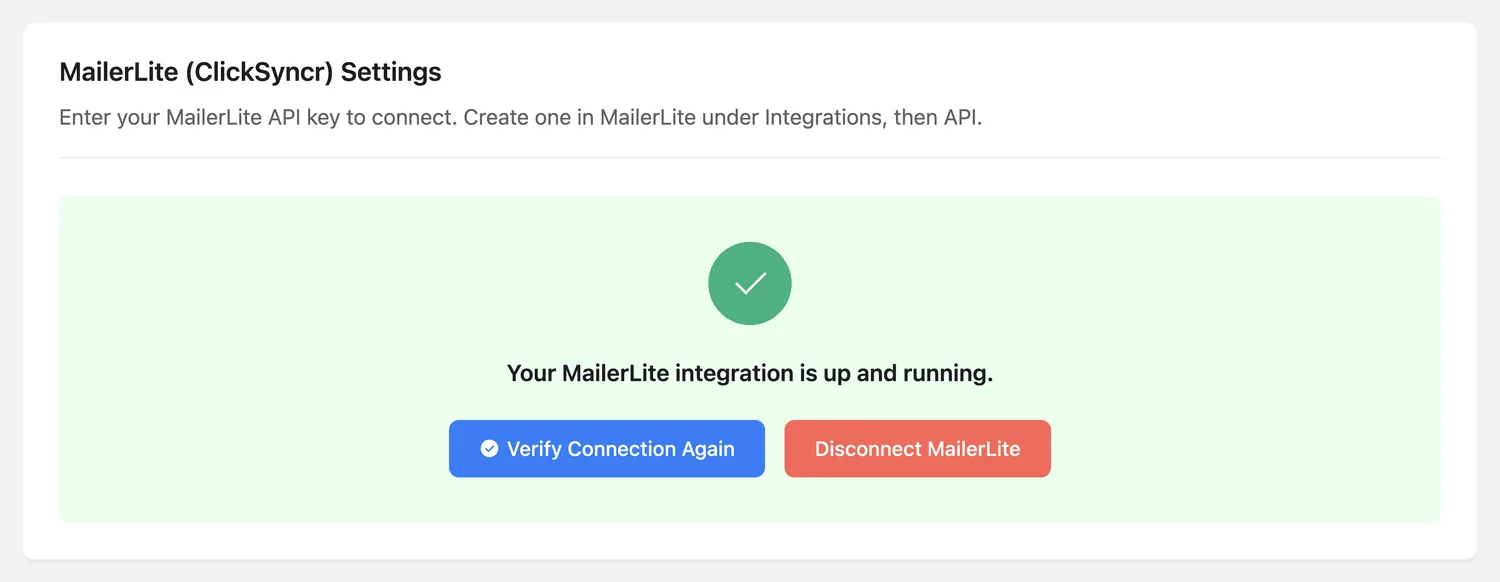
Connect Fluent Forms to MailerLite through a native Fluent Forms integration feed. The free ClickSyncr for MailerLite plugin registers a MailerLite module in Fluent Forms: enable it, save one global API key, then add a feed to any form, with conditional logic if you want only certain submissions to sync.
You need three things: the ClickSyncr for MailerLite plugin activated, Fluent Forms active, and a MailerLite account (the free tier is fine, with permission to create an API token). Fluent Forms uses one global API key plus a feed per form, and the module must be enabled before anything appears.
WordPress ClickSyncr.Treat the token like a password. Anyone holding it can read and modify your MailerLite subscribers.

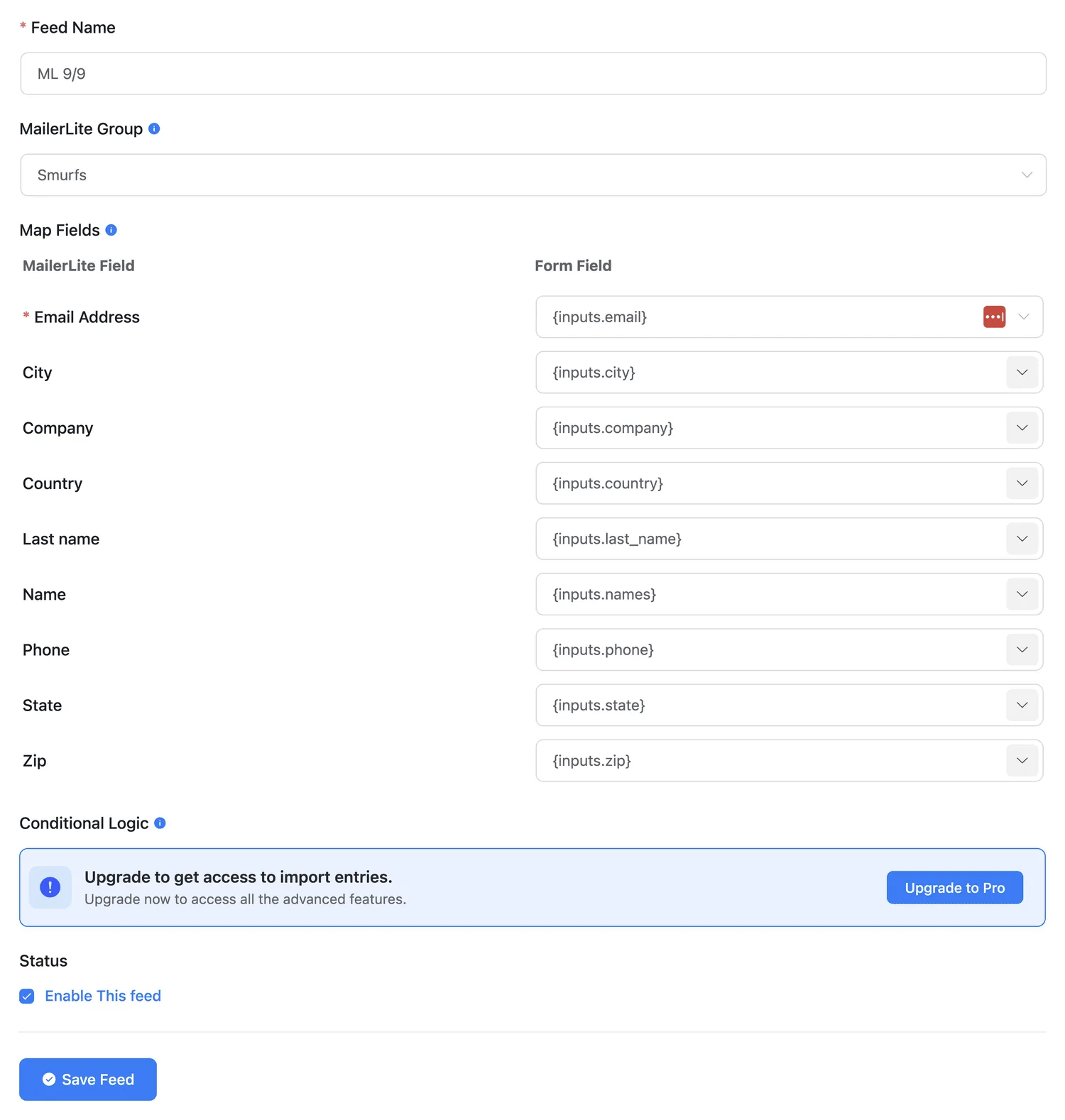
Every builder maps the same nine standard MailerLite fields, and any custom fields in your account appear in the list automatically. Only Email is mandatory; an unmapped field is simply skipped and never overwrites existing subscriber data with a blank value. If MailerLite rejects one value’s type, that single field is dropped and the subscriber still syncs.
| Field | MailerLite key | Notes |
|---|---|---|
email |
Required. The subscriber identifier. | |
| Name | name |
First name. |
| Last name | last_name |
|
| Phone | phone |
|
| Company | company |
|
| City | city |
|
| Country | country |
|
| State | state |
|
| Zip | z_i_p |
MailerLite’s key really is z_i_p. |
Submit the form on the front end (not the admin preview) with a test address you can recognise, filling every mapped field. In MailerLite, open Subscribers and confirm the subscriber exists, sits in the group you selected, and carries the mapped values. That one minute catches almost every configuration mistake.
| Symptom | Cause and fix |
|---|---|
| The group dropdown is empty | The key is missing, mistyped, or was revoked in MailerLite. Re-paste it and reconnect. A key with a trailing space is the classic culprit. |
| Submissions do not appear in MailerLite | Nine times out of ten the Email field is not mapped. It is the one required mapping. Fix it, then submit a fresh test. |
| Fluent Forms has no MailerLite feed option | The module is off. Turn it on at Fluent Forms → Integrations, then reload the form’s integration screen. |
| Fluent Forms says “not configured yet” | The global key has not been saved. Set it in Global Settings → MailerLite (ClickSyncr) Settings. |
| The subscriber syncs but a field is empty | Either that field is unmapped, or it was blank on the submission. Empty values are skipped so they never wipe existing MailerLite data. |
| One field never arrives, the rest do | MailerLite rejected that value’s type, for example letters in a number field. The plugin drops just the offending field and syncs the rest. |
Yes. Feeds support Fluent Forms conditional logic, so a submission syncs to MailerLite only when your conditions match. You can also pause a feed with its toggle without deleting the mapping.
One global key under Global Settings, shared with Ninja Forms and Formidable if you use them too.
ClickSyncr for MailerLite also connects Contact Form 7 · WPForms · Gravity Forms · Ninja Forms · Formidable Forms · Forminator. Overview, features and pricing: MailerLite integration for WordPress. Browse all ClickSyncr integrations.
“MailerLite” is a trademark of its respective owner. ClickSyncr for MailerLite is an independent integration and is not affiliated with, endorsed by, or sponsored by MailerLite.
Your next subscriber is one connection away
Install ClickSyncr, connect your platform, and publish your first tested sync in about two minutes.
Built by Renzo Johnson