ClickSyncr setup guide
How to Install ClickSyncr Pro
Installing ClickSyncr takes just a moment. Just follow these easy steps: Install and activate ClickSyncr LITE: choose your email platform and install its free ClickSyncr plugin Install and…
Follow the setup
Installing ClickSyncr takes just a moment. Just follow these easy steps:
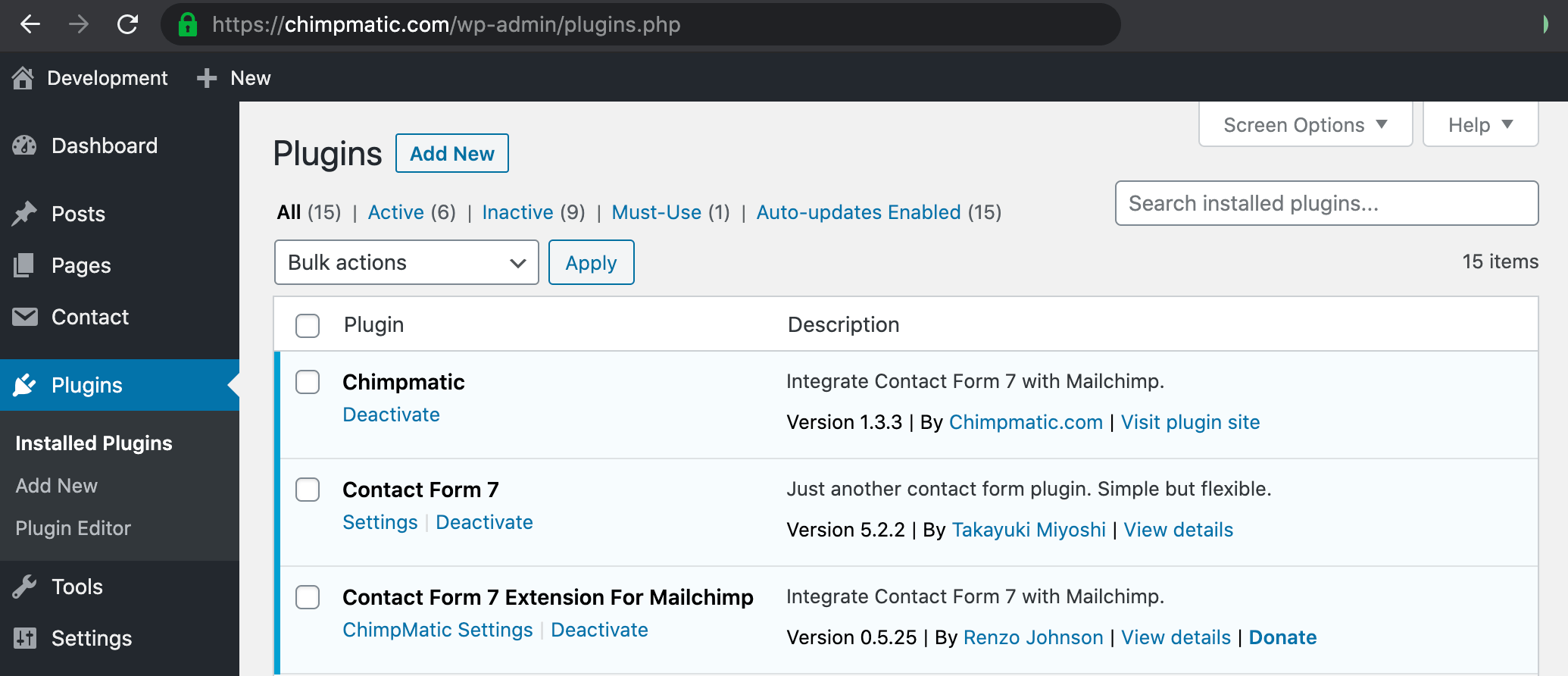
- Install and activate ClickSyncr LITE: choose your email platform and install its free ClickSyncr plugin
- Install and activate ClickSyncr.zip from your account page: https://clicksyncr.com/my-account
Install and activate in the above order and you should be running ClickSyncr in under 2 minutes (Fig. 1).
If you still have problems with it, please come and use our Live Help feature (NO BOTS).