Help for the connection you already built.
ClickSyncr support covers every plugin in the family: setup, troubleshooting, licensing, and upgrades. In most cases, the fastest route is the contact form, and the developers answer you directly.
How ClickSyncr support works
First, check the FAQ and the integration guides: most setup questions are answered there, with screenshots. Next, the changelog shows whether a recent release already fixed your issue. Finally, if you are still stuck, submit a ticket and include your WordPress and plugin versions, the platform you are connecting, and what you already tried.
What ClickSyncr support covers
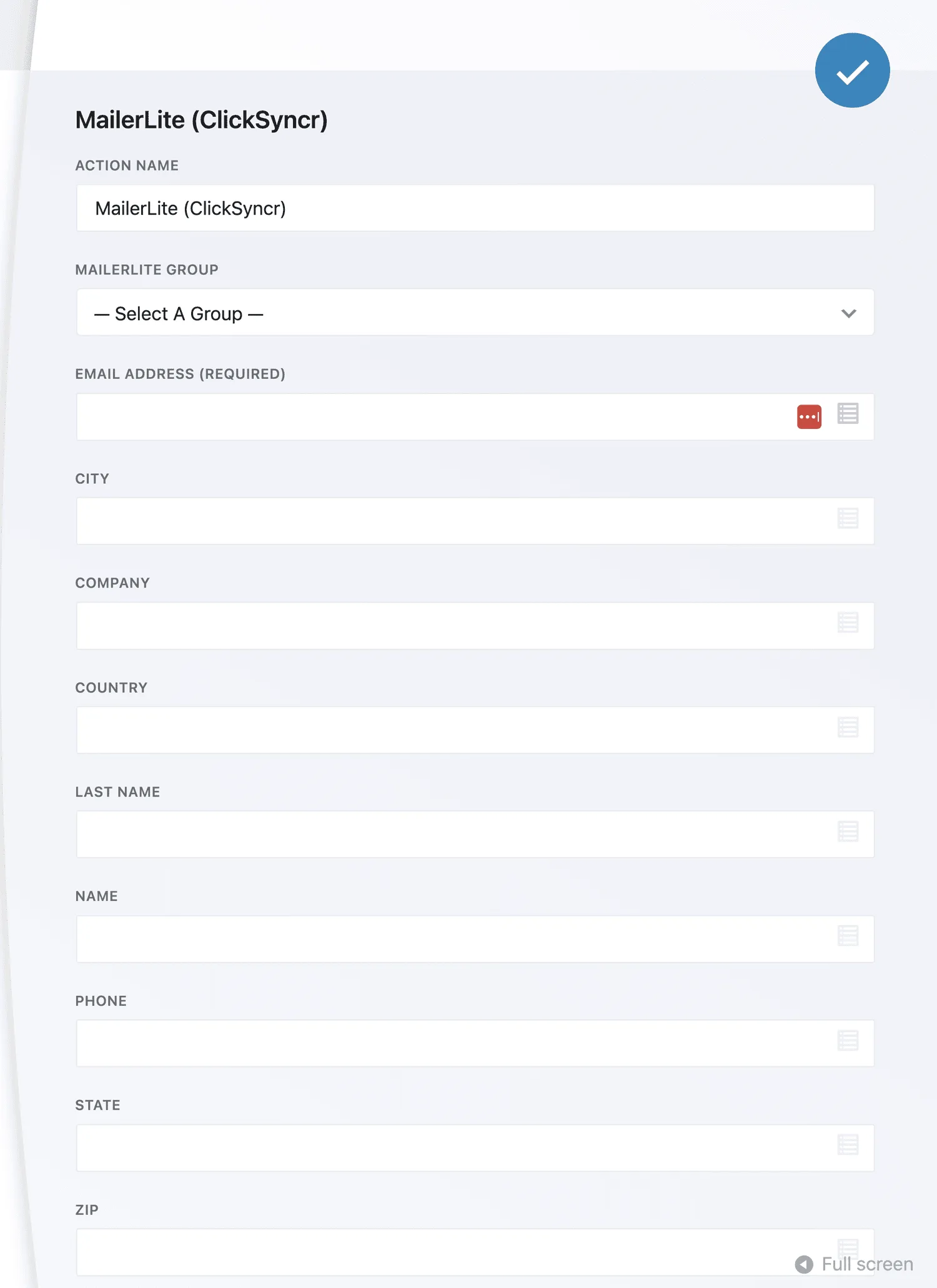
We help with installation, field mapping, API keys, and unexpected results in any supported platform. Also, licensing and billing questions are handled by the same team, so there is one place to ask. For the form builder itself, the official Contact Form 7 documentation is the best reference. In short, ClickSyncr support means you talk to the people who wrote the code.
Response times
Support runs Monday through Friday, and most tickets get a first reply within one business day. Meanwhile, the guides and the FAQ are available all the time, and they resolve the majority of setup questions on the spot.